


.
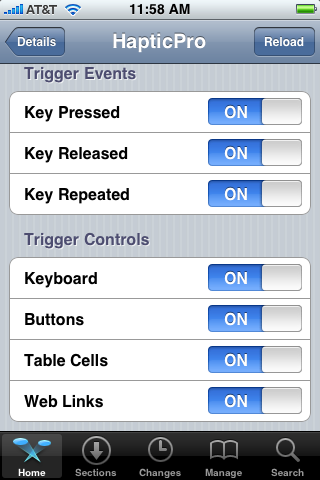
Download ***HapticPro1.0.7***
The files inside are named accordingly where they will need to be placed I did not set permissions but you may have to if you have any problems.
- Copy the folder named HapticPro that is inside the library folder to root/library/
- Copy the .dylib file and .plist that are inside the mobilesubtrate folder to root/library/mobilesubtrate/DynamicLibraries/ set permissions to 777
- Copy the HapticPro folder that is in usr/include to root/usr/include
Enjoy HapticPro