
AT&T MMS Being Activated Slowly
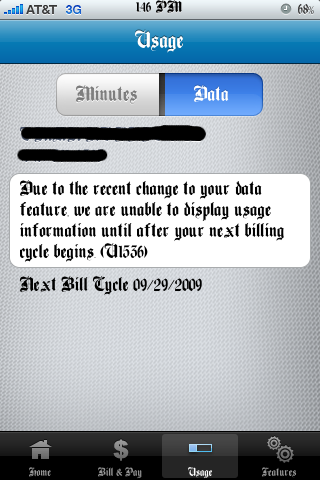
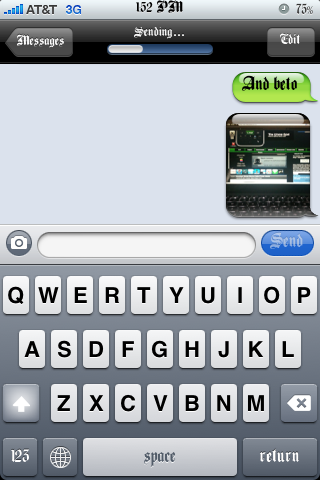
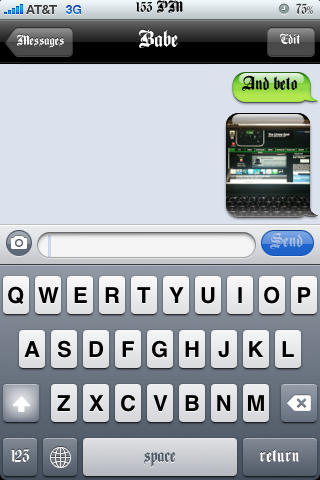
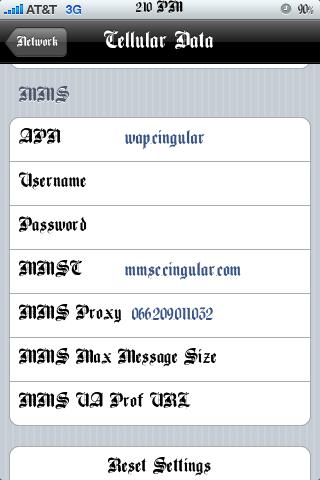
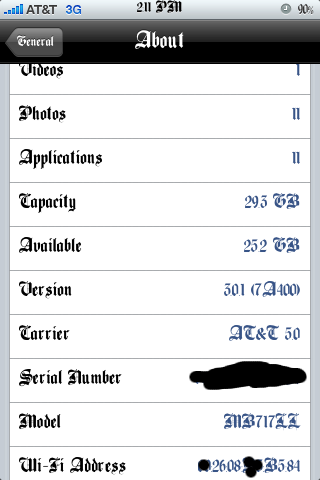
All over the web your seeing that people’s mms is working and here I am again adding on to that talk. I recently saw that some AT&T users were happily sending mms. I have never tried to get mms to work for me as I know I won’t be a big user but I decided to give it a shot just to see if I could get it to work. What I did was download this updated 5.0 ipcc file HERE, the ipcc file is an update to your AT&T carrier file, you may check your version in the about section on your iPhone, it should say 4.0. I then tried to update my iPhones carrier settings by holding shift+update and then tried to click the ipcc file but it wouldn’t so I used THIS TUTORIAL for my mac so that I could choose the ipcc file. I ended up updating the ipcc to 5.0 and i got some extra settings in General/Network which said cellular data network. I then entered mms settings people said had worked for them and then my hopes were shot down as mms didn’t work at all. I woke up this morning and tried to send an mms which I didn’t expect to work and whadda-ya-know message sent. I checked my att account using the mywireless app from the appstore and I saw that my data plan had been changed or something so I called att and they said everything was fine and that my iphone unlimited messaging plan had been changed to regular messaging unlimited, I didn’t care to annoy them as my mms was working. End of story is that i’m positive they may be activating MMS all around the U.S. Slowly but surely.

Tags: activating mms, amp, file, ipcc, mms settings, mywireless, U.S. Slowly
September 7th, 2009 at 9:30 am
Damn, your font is really ugly
September 8th, 2009 at 12:29 am
I did this earlier on today, and now i am just waiting for tomorrow to see if this happens.
When did you see the message regarding the changes to your plan? the next morning? I keep checking myWireless app to see if i get that message which I assume would mean im in the money lol.
September 8th, 2009 at 5:29 pm
Can i only do this if i have a mac….i am a little confused on where you hit shift+update at?
September 8th, 2009 at 10:14 pm
you can do this in windows as well. (close down itunes)
1. click start
2. Click on "Run"
3. In the prompt window that pops up type in cmd
4. A black window will launch, write the following verbatim, including hte quotation marks. “%ProgramFiles%iTunesiTunes.exe” /setPrefInt carrier-testing
5. Dont expect anything big to happen after step four, just do it and open up itunes
6. Plug in your iphone, where you clikc on the iphone tab and where you would usually click update to update your software click shift and the update button
7. Pick the .ipcc file, and open it
8. From there follow SoSly's instructions
- I had no luck with this, so im just gonna wait til the 25th.
Here is another set of instructions. these claim that you need another ATT phone to do this.
http://www.iphonehacks.com/2009/06/hack-to-enable...