September 07, 2009 :: Posted by - SoSly :: Category - News
Reilly the person who has put out appsync that lets you use cracked ipa files on your iPhone has created a new cracked mobileinstallation patch. Below is what Reilly had to say:
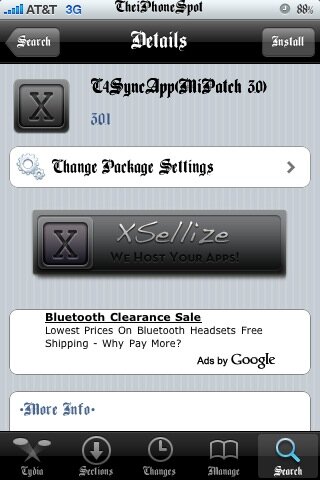
” You probably already know that my first installd patch is floating around the net (also known as AppSync  )
)
But I have something better: a patched installd file which doesn’t need ANY changes to the info.plist.
What does that mean:
It means there is no SignerIdentity needed anymore  So all checks developers do to the info.plist will fail as long as we have the original info.plist.
Where is the problem:
1. this only works on OS 3.0, not 2.x. so people with 2.x will still have to have signerIdentity in the info.plist :/
2. all the cracking tools are currently modifying the info.plist, so to get it working we need to get the Read more…
