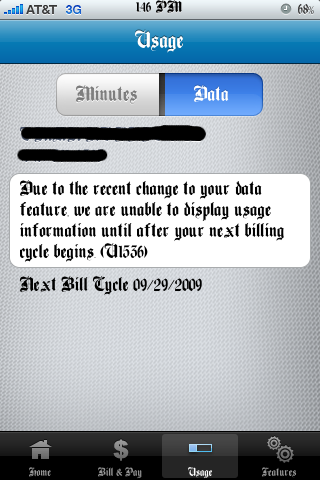
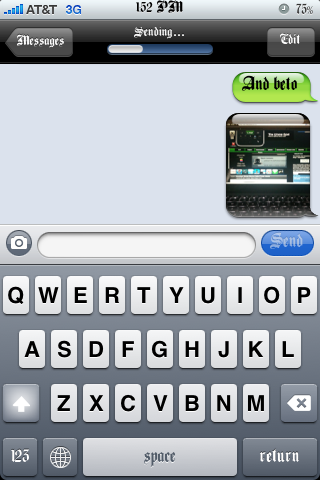
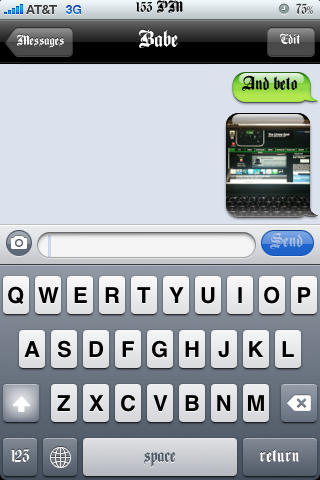
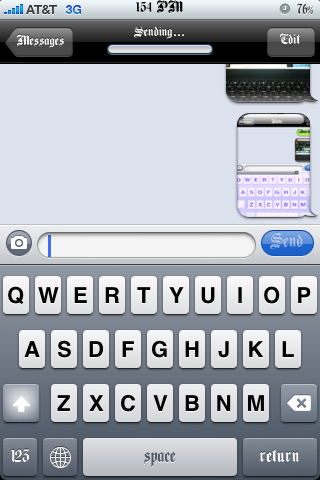
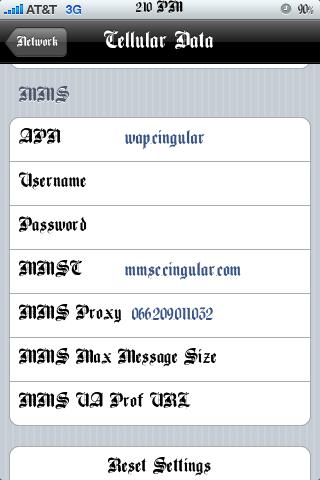
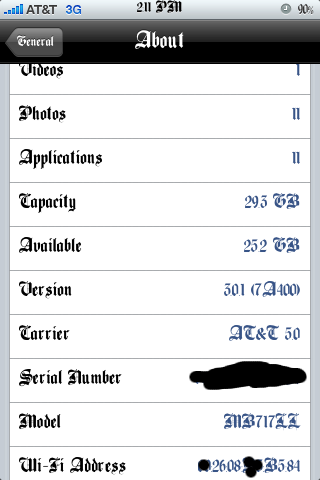
I have noticed a lot of people having trouble with mms working. I have written fool proof instructions to get your mms 100% working if you are using an iPhone 3G or a 3GS. If the following does not get your mms working I suggest you call AT&T and make sure they didn’t forget about unblocking mms on your account. Of course you can tell them a little white lie when they ask you if your on firmware 3.1.
Note: If you do the following be sure to uninstall any tethering hack you have installed on your jailbroken iphone. Whether it be the mms/tethering hack from cydia or just the downloaded mobile config files from websites. Uninstall all of them and the reset your network settings before doing the following.
The download below is the 5.5 ipcc carrier settings update AT&T pushed out today to enable mms. The file has been edited by stealthbravo over at modmyi for us users who are wanting to stay on firmware 3.0. The edited file adds the internet tethering option and cellular data network settings along with the correct mms settings. The official unedited file adds mms but you don’t get the tethering option or the ability to edit your cellular data that is why if your like me, you will use this very helpful file that adds the extra features.
- Download Edited IPCC File HERE
After downloading the ipcc wait… You still have to do a few extra steps before using it because itunes doesn’t allow you to update your carrier settings using the ipcc file. Do the following exactly as stated: Read more…