
October 12, 2009 :: Posted by - SoSly :: Category - News
Thanks to bigboss for this useful post over at thebigboss.org.
To use: load the app and follow the prompts. It’s pretty simple. If you have problems, see troubleshooting section below the last step of the tutorial.
Step 1) Install blackra1n and iTunes 9 or newer.
Step 2) Close itunes and kill iTunesHelper.exe in taskmanager.
Step 3) Attach your device to your computer using the cable, and run blackra1n. You see this:
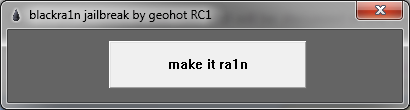
Step 4a) Hit the “make it ra1n” button. You will see this:
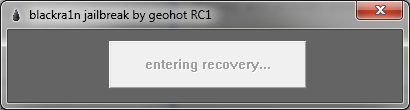
and this
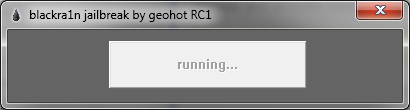
and finally this. This step should only take a couple seconds. If it hangs on running you Read more…